My MacOS Toolbox

I wrote a short post about tools I like for Windows a while ago. Well, I recently got a Mac for work, and installed some tools to make MacOS work better for me. Whether you're coming from Windows or Linux, or have always used MacOS, I hope you'll find a few of these useful:
Homebrew

The package manager for MacOS. You probably already know about it, and if you're not using it, you're missing out.
Iterm2

I don't know how to explain it. It's just better than the built in MacOS terminal.
Rectangle


One of the first things I notices about MacOS was the lack of window snapping. No way to quickly put two windows side-by-side with a quick flick of the mouse. No way to maximize (not fullscreen) a window.
Rectangle provides that functionality. Windows snapping, tiling shortcuts, better Window management in general. Huge improvement.
Raycast

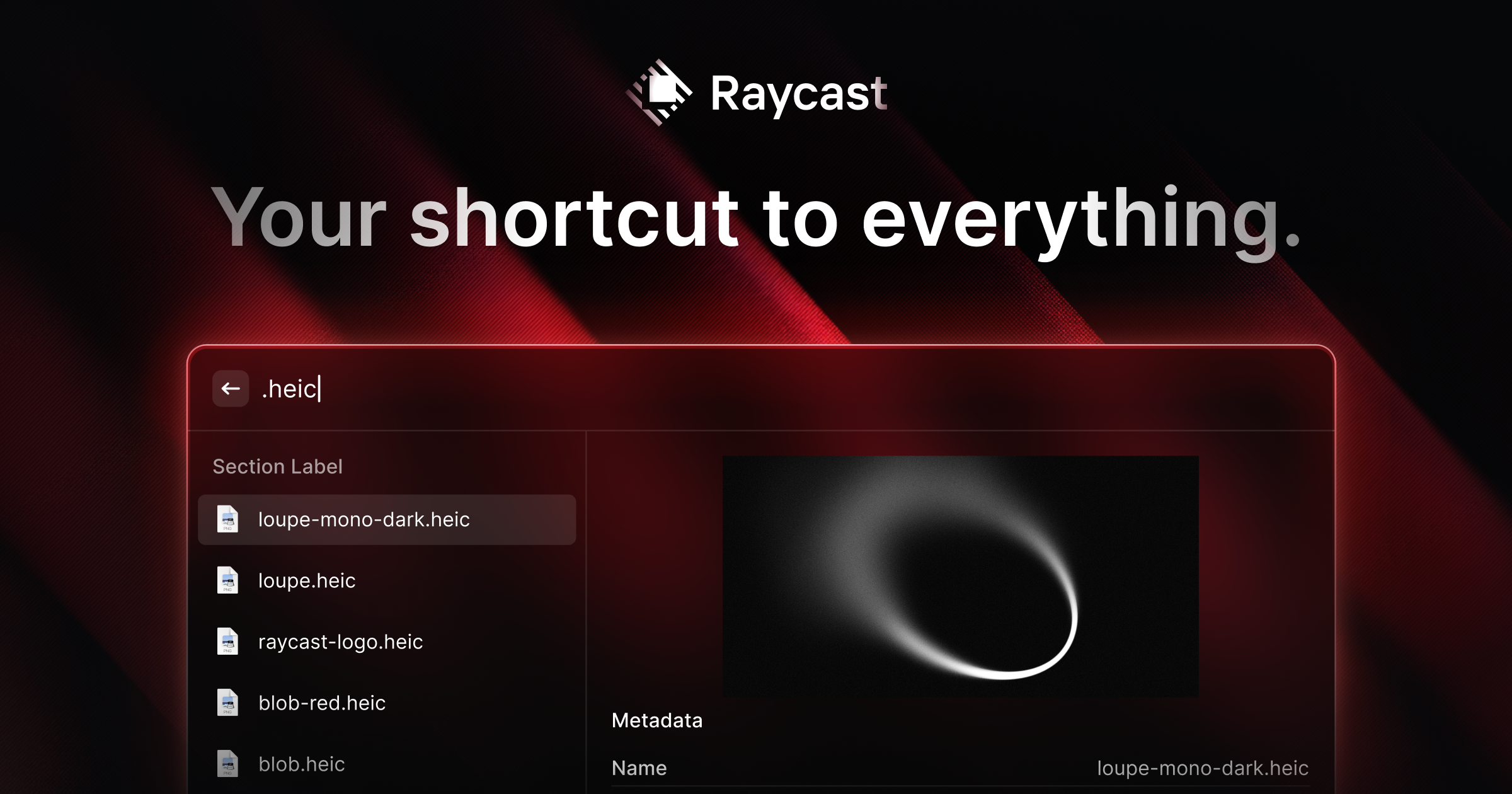
Spotlight on steroids. An application launcher, a calendar, a color picker, a calculator, a screenshot tool, media controls, you name it, all at Cmd+Space.
Autoraise
 sbmpost
Ok, I've got to admit, this one is a little niche, and looks a bit sketchy. It allows you to focus a window by hovering it, rather than clicking on it. It's a feature on some Linux distros and once you get used to it, it's super convinient.
Maccy
 Science Writer
A clipboard manager for MacOS. If you use your clipboard a lot, having a clipboard history is super handy. Great for "borrowing" code from ChatGPT, StackOverflow, or even just another file in a project.
Linear Mouse

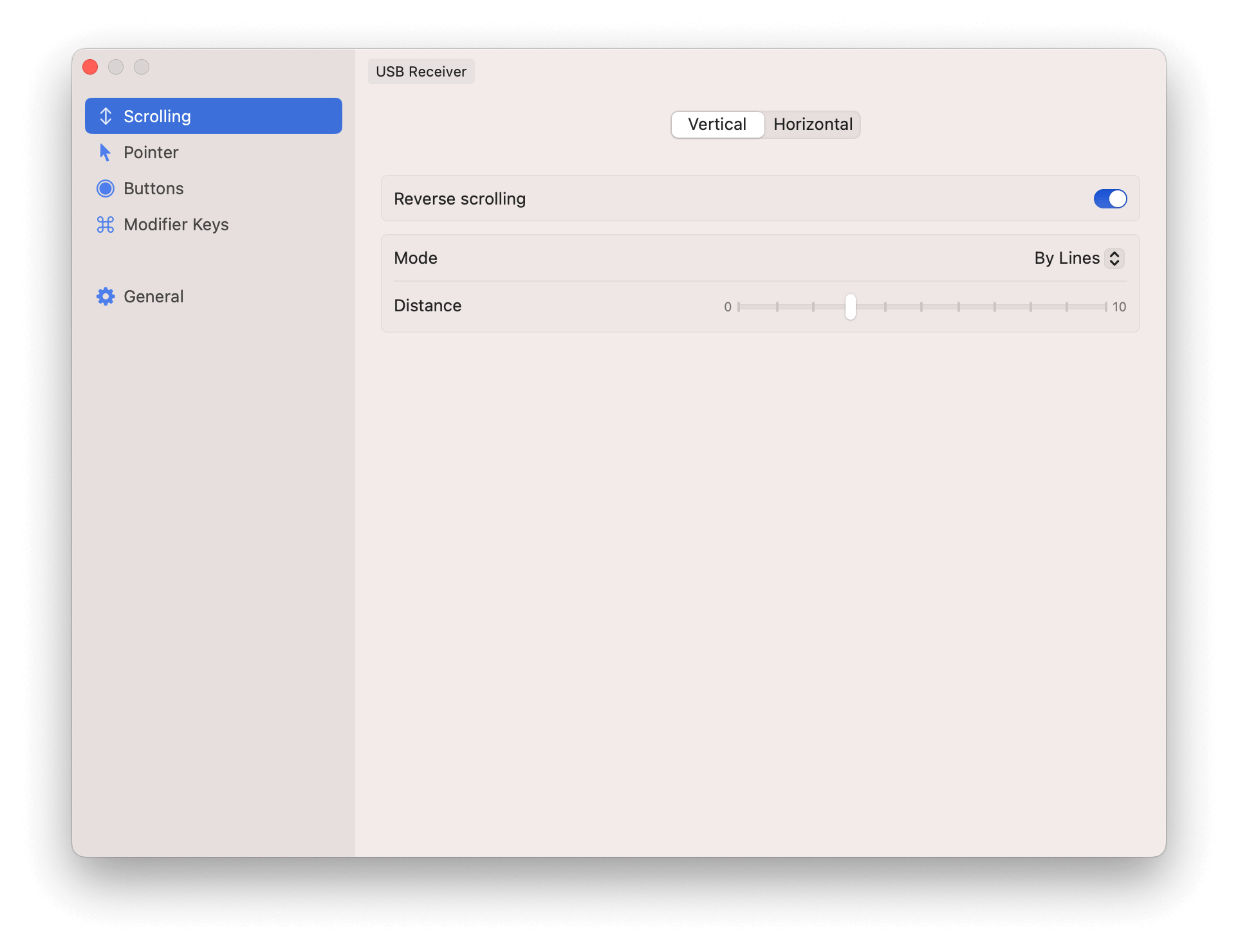
If you've ever used a Mac with a boring "normal" mouse (not a touchpad or an Apple mouse), you probably have some frustrations. Natural scrolling may work great on a touchpad, but it's super counter-intuitive on a standard scroll wheel. Pointer acceleration may also take some getting used to if you're coming from a different operating system. If your mouse has forward/back buttons, those may not work consistently either. Linear Mouse fixes all of these.
Ice

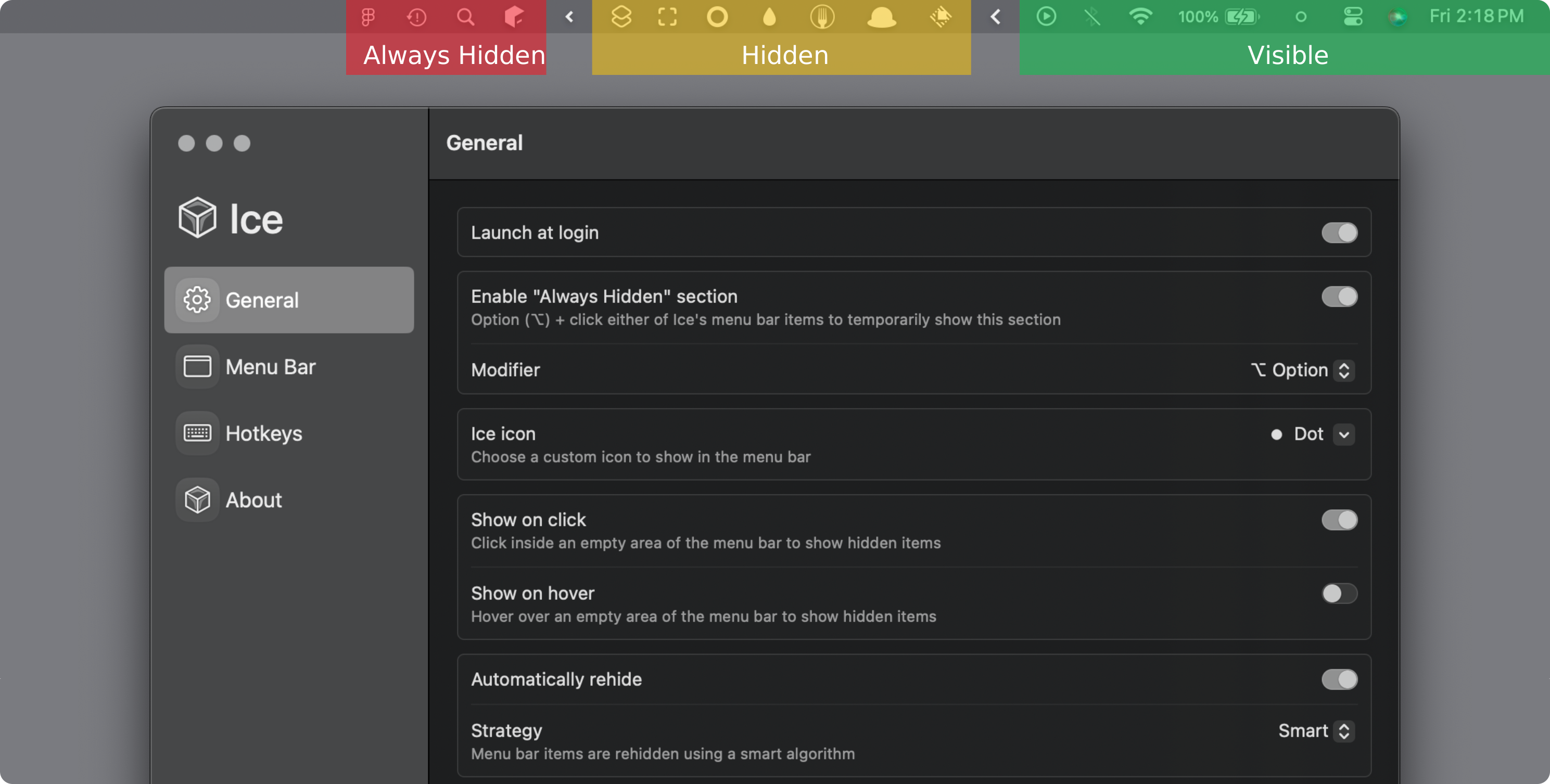
If you've installed a bunch of these tools, you probably have icons cluttering up your menubar. Ice can hide those for a cleaner appearance.
Well, there you have it. Some tools for MacOS that I really like. Some are just general improvements, some are tweaks to make it more like other operating systems, but they're all pretty handy in my book. Give some of them a try and see what you think!